
Set up After Effects MCP
About five minutes, once. No card, no API key, no terminal.
What you need
| After Effects | 2024, 2025 or 2026 · macOS or Windows |
| A Prism account | Free works · create one |
| An AI client | Any that speaks MCP · below |
Which AI client
| Client | Where you add it | |
|---|---|---|
| ChatGPT | Desktop app: Settings ▸ MCP servers | Guide |
| Claude | Customize ▸ Connectors | Guide |
| Gemini | Antigravity ▸ MCP Servers · not the Gemini app | Guide |
| Kimi | kimi mcp add | Guide |
| Qwen | Qwen Code ▸ qwen mcp add | Guide |
| DeepSeek | DeepSeek Harness with an OAuth MCP plugin · or any OAuth-capable client | Guide |
| Codex · Cursor · Windsurf · VS Code · Zed · Cline | A custom MCP server entry | Guide |
Not listed? It works if your client does all four:
| Remote MCP servers | Prism is reached at an address, not launched from disk |
| Streamable HTTP | Keeps the connection open |
| Browser sign-in | Prism issues no keys, so a fixed header has nothing to carry |
| Tool calling | The AI invokes tools, not just text |
Two well-known surfaces fail one of these: the built-in MCP client in DeepSeek Harness has no sign-in flow, and the Gemini app has no MCP client at all. Both models still work, through a client that does.
The five steps
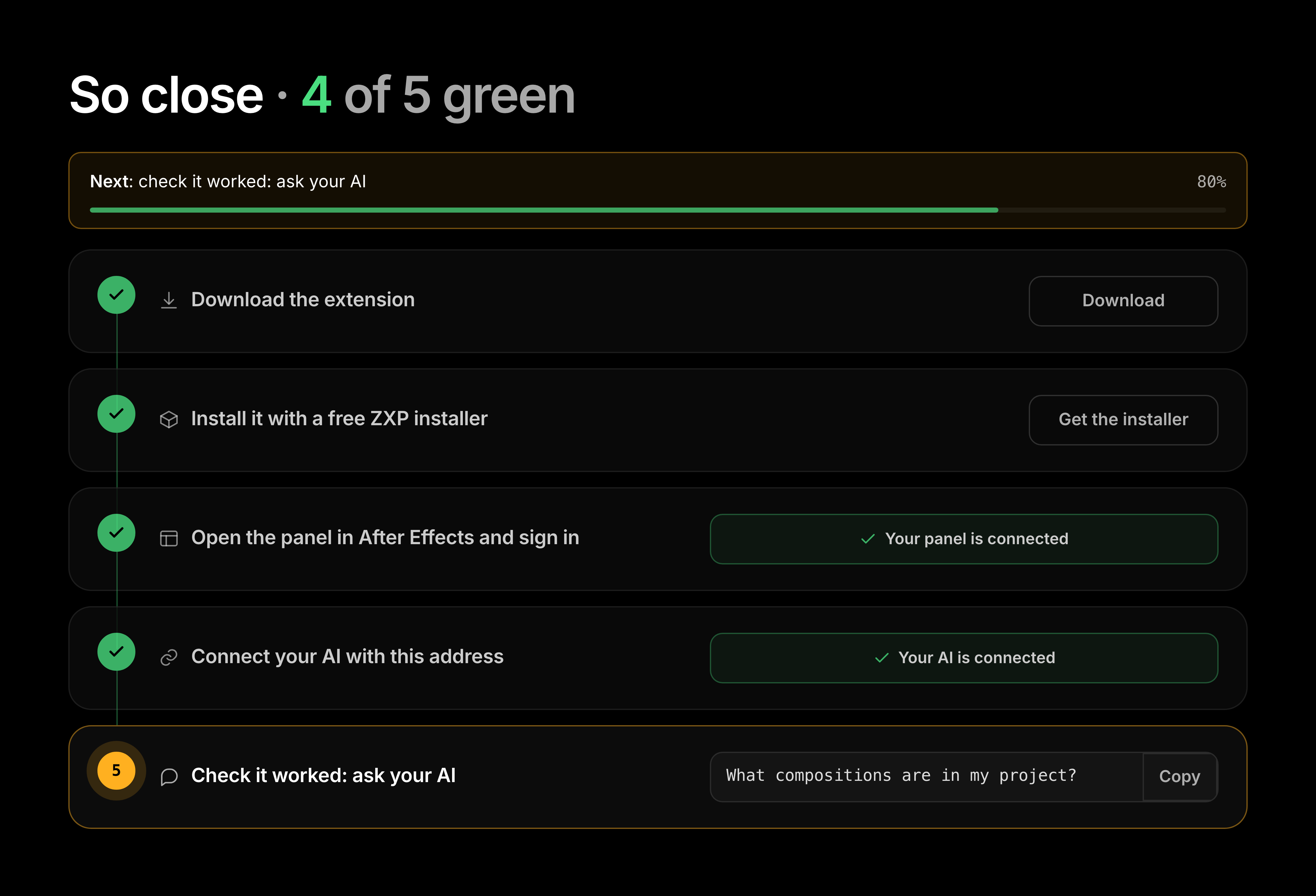
Your dashboard tracks these live and turns each one green as you finish it.
1
Download the extension
One
.zxp from your dashboard. Nothing to unzip. → Download2
Install it with a free ZXP installer
After Effects cannot open a
.zxp alone. Quit After Effects first. → Install3
Open the panel in After Effects and sign in
Window ▸ Extensions ▸ After Effects MCP, then Sign in. → Sign in
4
Connect your AI with this address
Paste
https://live.oneprism.io/after-effects, then approve it in the browser. → Connect5
Check it worked: ask your AI
Open a comp, ask "What compositions are in my project?" → First prompt
That is the whole setup
Once your AI reads the comp back to you, every step above is working. Nothing else needs configuring.
Each step page ends with what goes wrong there. The full list is in troubleshooting.