
Open the panel in After Effects and sign in
Step 3 of 5. The panel lives inside After Effects, not anywhere else. Open it, click Sign in, and your browser finishes the job.
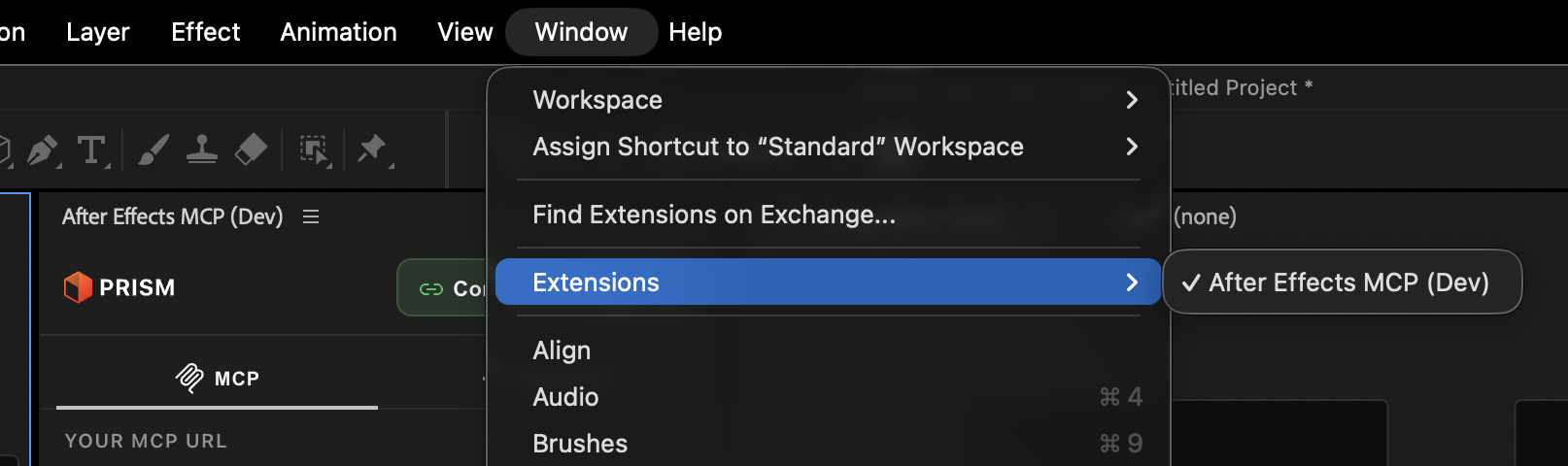
Go to Window ▸ Extensions ▸ After Effects MCP. Dock it wherever suits your workspace. It stays quiet until your AI sends it work.
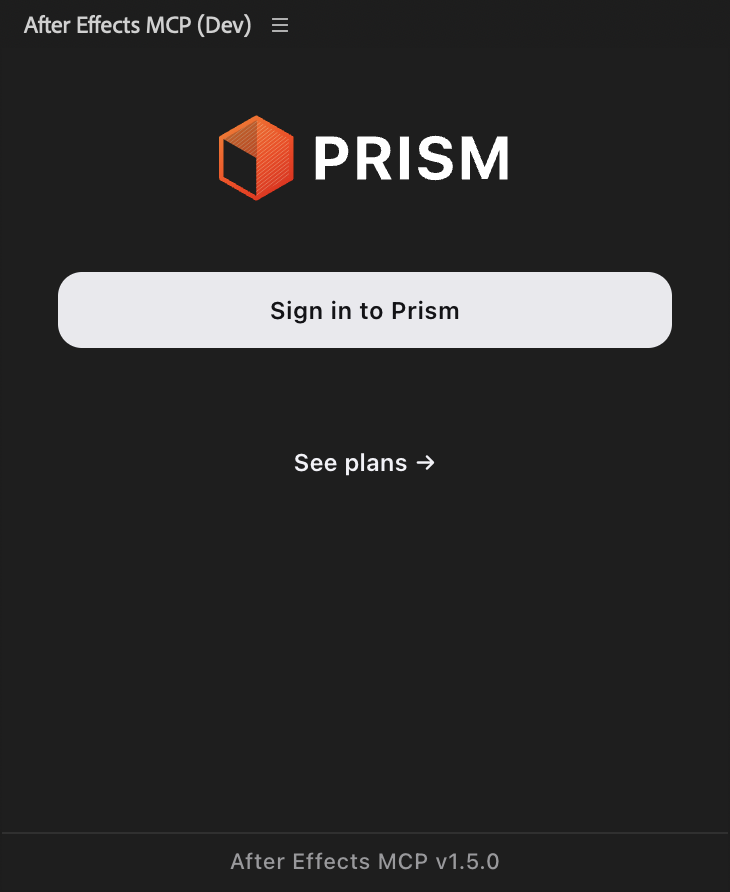
The panel opens your browser. You confirm it is you there, and the browser hands the session back to the panel. Nothing is typed into After Effects.
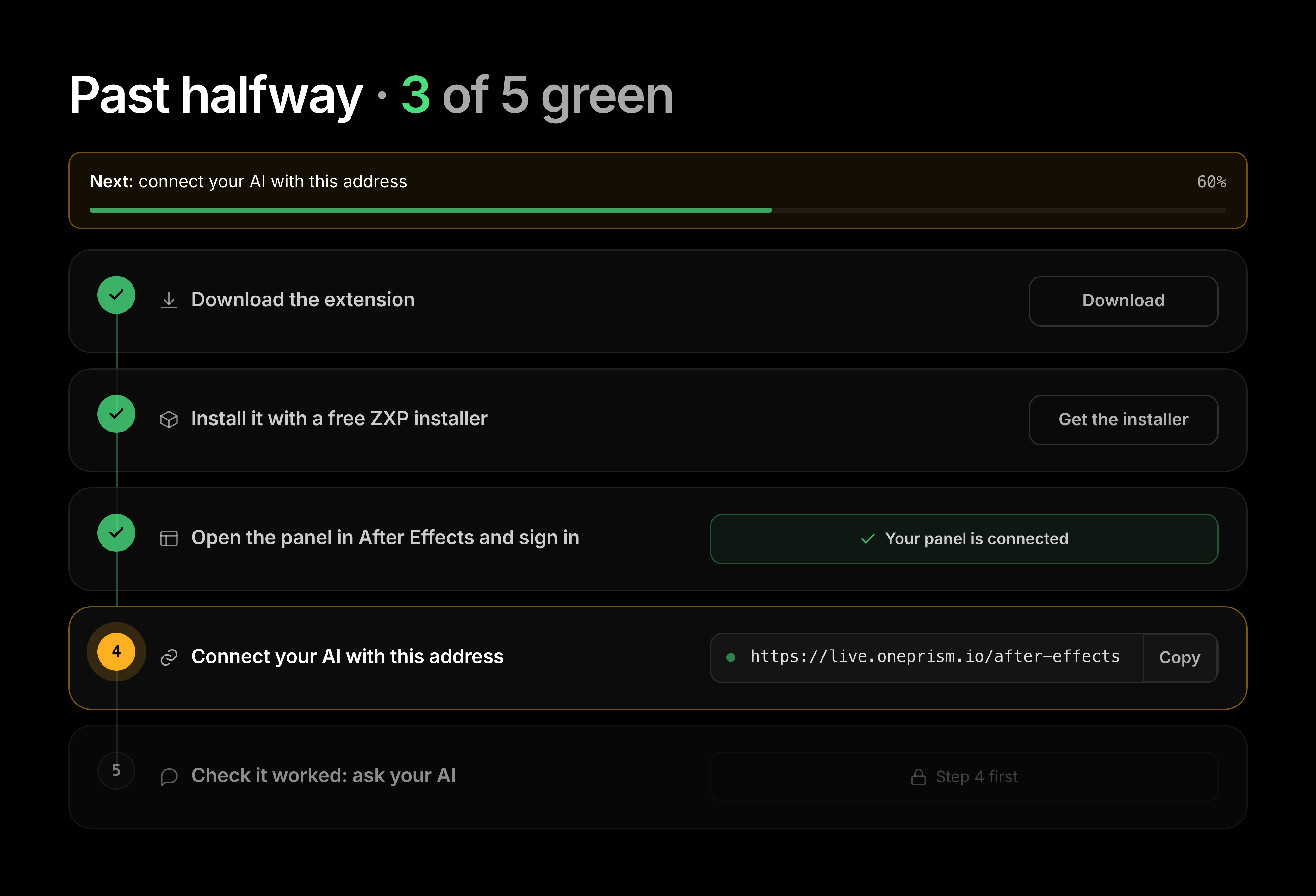
Your dashboard turns this step green only when the panel is genuinely connected, not merely installed. If it is still grey, the panel did not finish signing in.
One After Effects setting
After Effects ships with Allow Scripts to Write Files and Access Network turned off, and Prism needs it on to write frame snapshots and its own log.
| Where | After Effects ▸ Settings ▸ Scripting & Expressions |
| What | Allow Scripts to Write Files and Access Network |
| Default | Off on a fresh install |
The panel offers to do it for you
Prism runs inside After Effects, so it can set this itself once you agree. If it cannot, it tells you and gives you the menu path.
Left off, it fails quietly
Nothing errors. Results come back empty, and the failure looks like a broken connection rather than a setting. It is worth checking first if anything behaves strangely on a fresh install.
You are connected when the dashboard says so
The panel chip turns green only when the bridge holds an authenticated panel, so the dashboard is the honest check, not the panel alone.
What the panel does, and does not do
The panel is deliberately minimal. It runs the instruction the server sends and holds your session. It does not decide what to do and ships no tool logic, which is why tools improve without you reinstalling anything.
| The panel does | The panel does not |
|---|---|
| Run the instruction the server sends, inside your live comp | Decide what to do. That is your AI plus the server |
| Return results to the server as JSON | Store your project files or send them anywhere |
| Hold your signed-in session | Ship any tool logic that could go out of date |
Your project files stay on your machine. See how Prism works for what does and does not leave your computer.
If it does not work
| What you see | What it usually means |
|---|---|
| Sign in does nothing | No default browser is set, or a browser window opened behind After Effects. Check your other windows |
| The browser signs in but the panel stays signed out | The browser completed on a different account. Sign out there and try again with your dashboard email |
| Your dashboard step stays grey | The panel is installed but not connected. Close and reopen it, then sign in again |
| It asks you to sign in again later | The session expired. Sign in with the same account |
The longer list is in troubleshooting.
Common questions
Window then Extensions then After Effects MCP. If Extensions is empty, the install did not take: quit After Effects fully and see install the extension.
No. There is no licence key in Prism, and there is no activation step. You sign in through your browser with the account you already have, which is also why there is nothing to keep secret and nothing to paste.
The same one as your dashboard. A different email creates a separate account, so the panel would be signed in to something with no plan attached to it.
Yes. The panel is what runs each instruction inside After Effects, so if it is closed your AI has nothing on the other end. Dock it somewhere out of the way and leave it.
Install
Step two of five: install the After Effects MCP panel on macOS or Windows in about a minute, then quit and reopen After Effects so it appears under Extensions.
Overview
One address connects any MCP client to your live After Effects project. Pick your client for exact steps, or ask the agent to configure itself.