Skip to content

Prism

After Effects, finally AI‑native.

Real, editable layers — not flat video. Describe a move; Prism builds it as text, shapes, and keyframes you refine by hand.

Live panel — click to take over

What it is

Not a rendered clip

Real layers you keep editing.

Not a web export

Native After Effects work.

Not another script pack

AI that does the work, inside the tool.

01 — Connect

Your AI. Inside your comp.

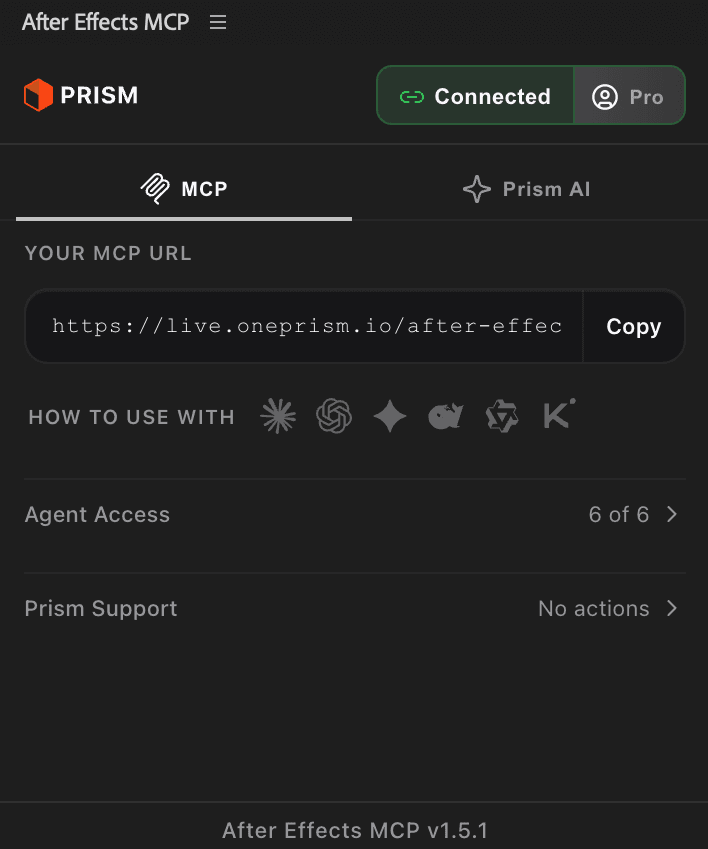
Claude Code, Cursor, Codex — any AI client you already use sees your whole composition: every layer, every keyframe, every effect. You ask; it acts in your timeline.

On Pro, nothing counts against you.

ClaudeCursorCodexWindsurfand any agent you prefer

One sentence in. Six keyframes out.

02 — Tools

Tools After Effects never had.

Subtitles that used to cost an afternoon. Beat markers without scrubbing the waveform. Logos that arrive as editable type, not outlines. More with every release.

Speech to subtitles. Music to markers. SVG to layers.

03 — JSON

Edit After Effects without opening it.

Export any comp as a JSON file. Your AI edits the file — rewrite copy, retime layers, restructure scenes — then import lands every change back as real layers. Real keyframes, all undoable.

Your whole project, finally readable.

Proof

Real keyframes, not a script to debug.

A pasted script is a guess at a project it has never seen. A direct connection reads the live composition first, then writes the change as native timeline work.

AspectPrompt-and-pasteConnected with Prism
What your AI seesNothing — it guessesYour live comp: layers, fps, selection, values
What you get backA wall of script to run yourselfNative keyframes you grab, re-ease, and retime
Who writes the AE codeThe model, freshly, every timePrism's tested tools, written once
When it breaksSilently, on your projectLoudly, with the fix attached — and every action stays one undo away

Your files never leave your machine. Every action is one undo. How your data is handled →

FAQ

Good to know.

Yes. On Pro, AI actions — every tool call from your AI, from creating a layer to writing keyframes — and project export/imports have no cap. Only AI credits for the generative tools are metered: 300 a month included, top up any time, and when they run out you get a clear notice and a one-click top-up. Your work is never touched. Pro is $6 a month.

End of timeline

Ready when you are.

Pro is $6 a month, unlimited. Cancel anytime.