
Install the extension in After Effects
Step 2 of 5. After Effects cannot open a .zxp on its own. Adobe retired
Extension Manager and never replaced it, so a free ZXP installer does the job.
You need it once.
Quit After Effects before you install
After Effects reads its extensions folder at launch. Install while it is running and the panel will not appear, which looks exactly like a failed install.
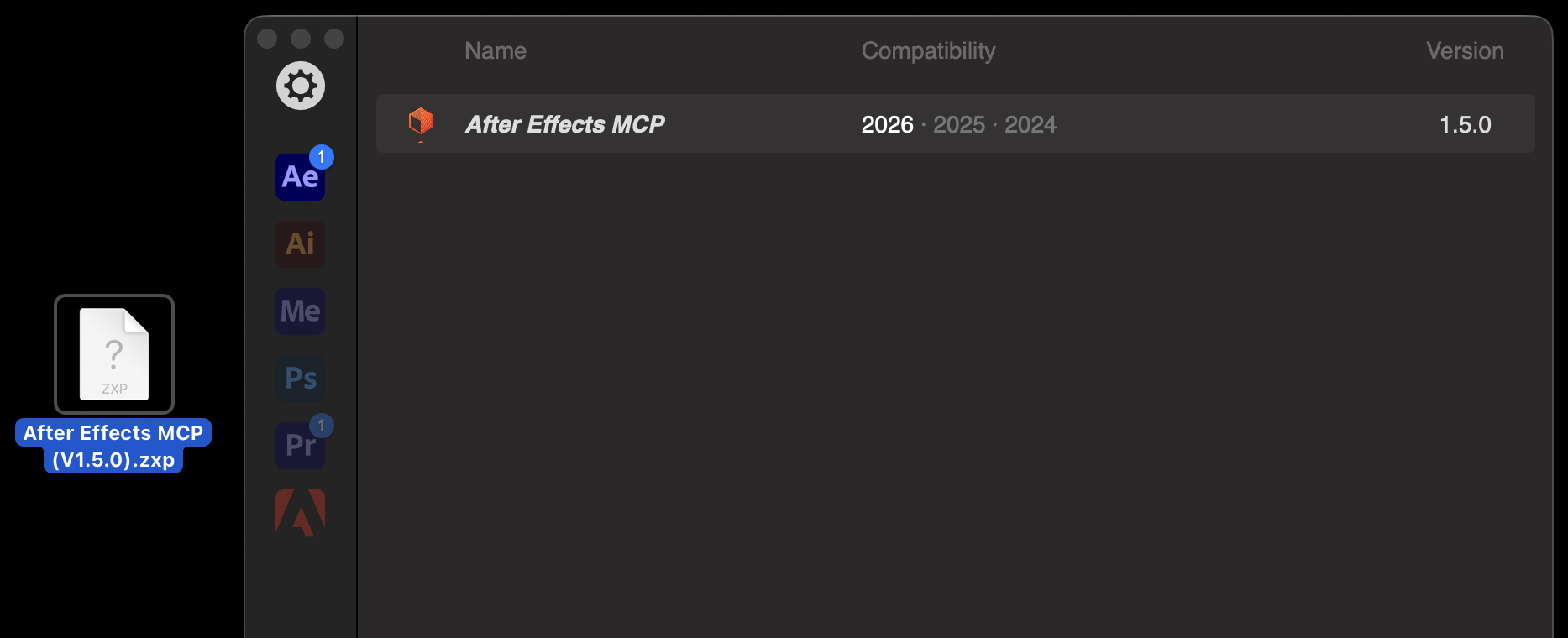
.zxp on its own. Download the free ZXP/UXP Installer from aescripts, for macOS or Windows, and open it.Drag the file you downloaded in step one onto the installer window. It tells you when it succeeds. On macOS it installs into your user Library and on Windows into AppData, and it handles both without asking.
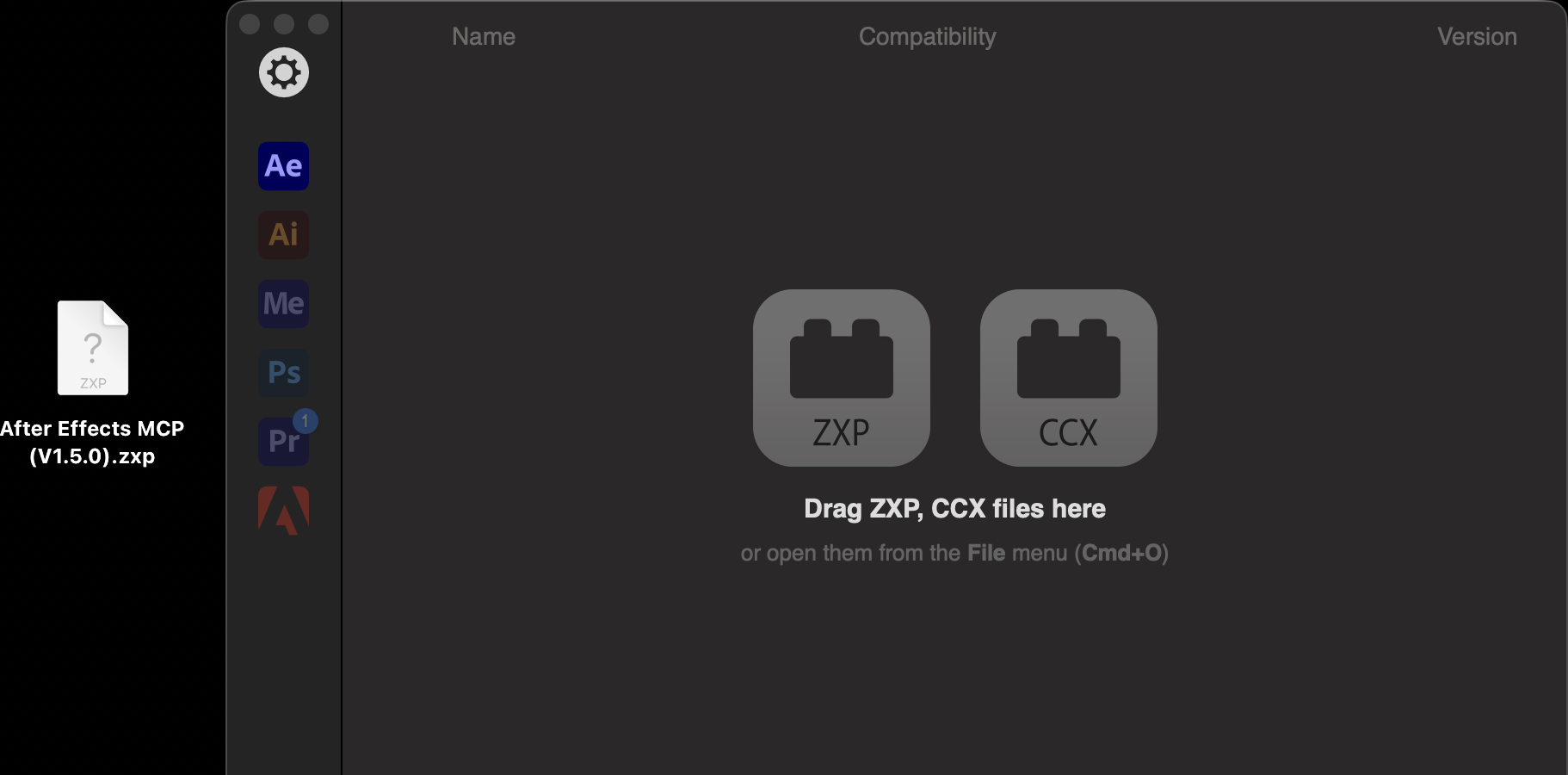
The installer lists what it has installed. After Effects MCP should appear with its version and the After Effects releases it supports.
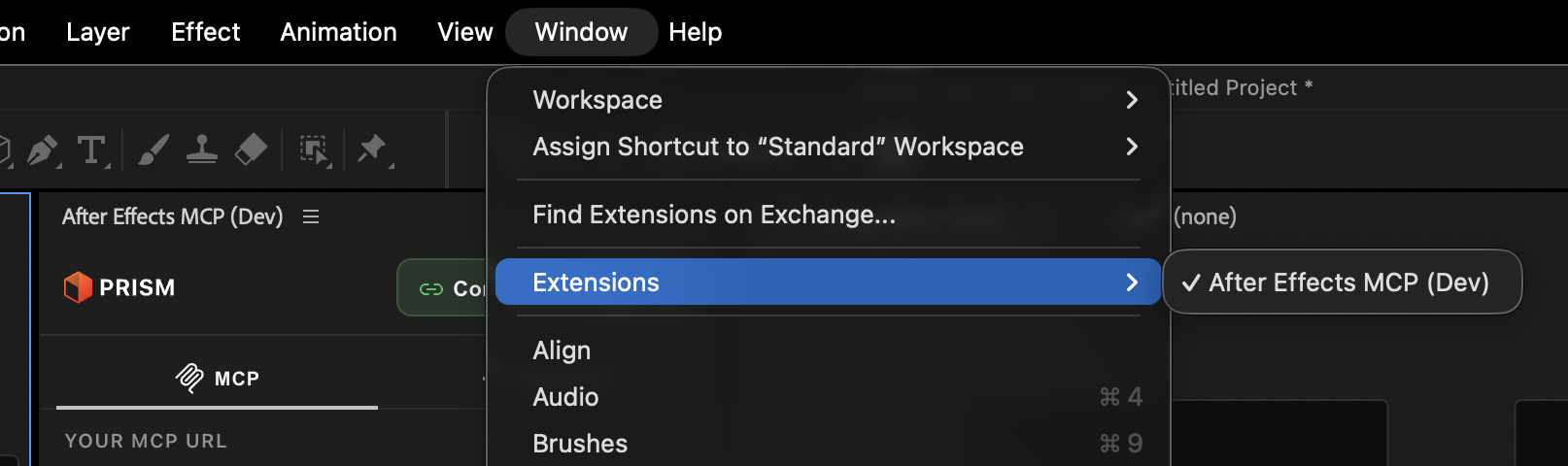
Go to Window ▸ Extensions ▸ After Effects MCP. The panel opens as a dockable window, so put it wherever suits your workspace.
If it does not work
| What you see | What it usually means |
|---|---|
| The panel is not in the Extensions menu | After Effects was running during the install. Quit it fully and reopen |
| The installer reports a failure | The file was unpacked by your browser and is no longer a .zxp. Download it again |
| The menu shows Extensions but the list is empty | See the unsigned-extension note below |
| The panel opens blank or grey | Close and reopen it once. If it persists, see Prism cannot reach After Effects |
If the panel still does not appear
Most people never need this. It applies only to an unsigned build, which some installs will not show until you turn on a system setting for unsigned CEP extensions.
| Platform | What to set |
|---|---|
| macOS | PlayerDebugMode = 1 in ~/Library/Preferences/com.adobe.CSXS.12.plist |
| Windows | PlayerDebugMode string value 1 under HKEY_CURRENT_USER\Software\Adobe\CSXS.12 |
Restart After Effects and check the menu again. This is a one-time switch. If it is unfamiliar, ask your IT team or email support@oneprism.io.
Common questions
Adobe retired Extension Manager, which used to install .zxp files, and did not replace it. After Effects still reads extensions from a specific folder, so a free ZXP installer puts the panel there for you. You need it once, not every time.
Yes. ZXPInstaller runs on both and knows the correct folder for each: your user Library on macOS, AppData on Windows. You do not have to find either one.
Yes, or at least restart it afterwards, fully: Cmd+Q on a Mac, close the application on Windows. After Effects reads its extensions folder when it launches, so a panel installed while it is running does not appear until the next launch. A later panel update that only changes panel code needs the panel closed and reopened, not After Effects.
Yes. Install the panel on each machine and sign in with the same account. There is no device limit.
Download
Step one of five: download the After Effects MCP extension from your Prism dashboard. One .zxp file, every plan including Free, nothing to unzip.
Sign in
Step three of five: open the Prism panel from Window then Extensions, click Sign in, and finish in your browser. No key to copy, no password typed into AE.