
Download the After Effects MCP extension
Step 1 of 5. The extension is a single .zxp file you download from your
dashboard. Every plan can download it, including Free.
Go to dashboard.oneprism.io and sign in. The After Effects MCP product page is the five-step rail you are following now, and it checks each step off as you complete it.
The button hands you one file. It is not an archive, so there is nothing to unzip and no folder to dig through.
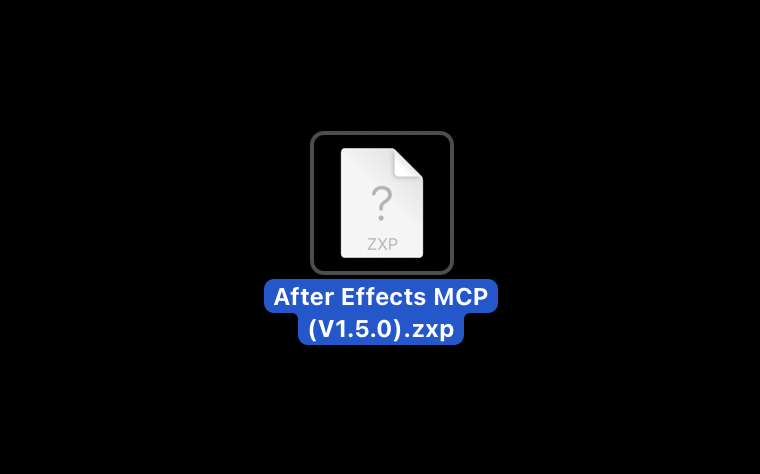
What you just downloaded
A .zxp is Adobe's own extension package format. After Effects cannot open one
on its own, which is what step two is for, and it
is the part of the setup people are least expecting.
| File | A single .zxp, around a megabyte |
| Plans | Every plan downloads the same file, Free included |
| Versions | Works with After Effects 2024, 2025 and 2026 |
| Updates | New version ships, download again and reinstall. Tools update on the server, so this is rare |
If it does not work
| What you see | What it usually means |
|---|---|
The download gives you a folder or a .zip | Your browser unpacked it. Look inside for the .zxp, or download again with a different browser |
| There is no Download button | You are signed out, or signed in on a different account. Sign in again |
| The file has no extension | Some browsers strip it. Rename it so it ends in .zxp |
| The icon is blank, or shows a question mark | Expected. macOS has no handler for .zxp until a ZXP installer is on the machine. The file is fine |
Common questions
No. Every plan downloads the same extension, Free included. Plans differ in how many MCP actions you get each month, not in what you can install.
It is Adobe's extension package format, the standard way a CEP panel ships for After Effects. After Effects has no built-in way to open one, so you install it with a free ZXP installer in the next step.
Only for panel updates, which are rare. The tools themselves run on Prism's servers, so new capability reaches you without reinstalling anything.
Before you start
What you need for the After Effects MCP server: an AI client that speaks MCP, a Prism account, and After Effects 2024, 2025 or 2026. Then five steps to first prompt.
Install
Step two of five: install the After Effects MCP panel on macOS or Windows in about a minute, then quit and reopen After Effects so it appears under Extensions.